Qontak

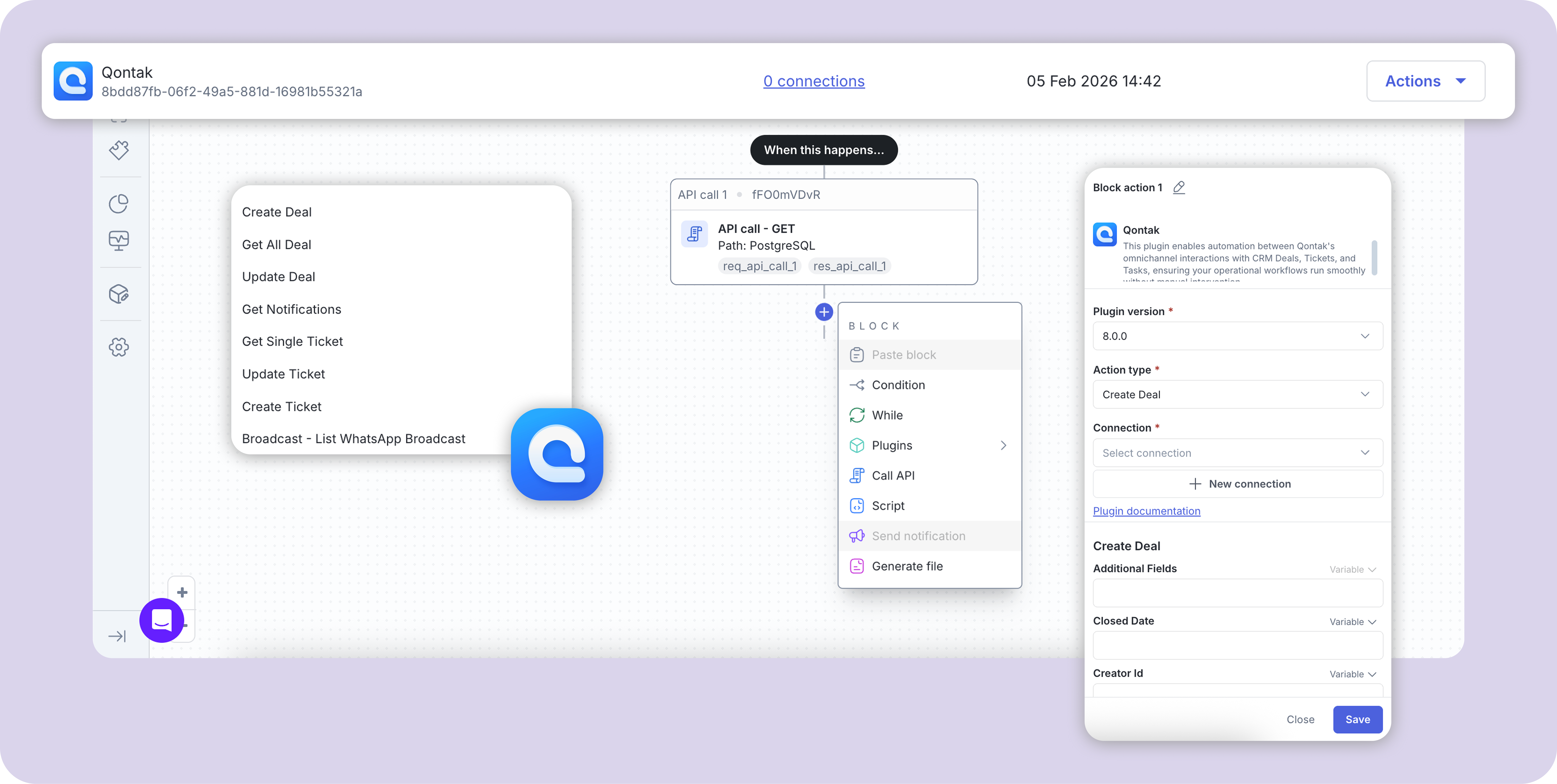
This plugin enables automation between Qontak’s omnichannel interactions with CRM Deals, Tickets, and Tasks, ensuring your operational workflows run smoothly without manual intervention.

Published by Mekari Developer Team 9 published templates

Overview

01. Overview

  • Plugin Name: Qontak CRM & Omnichannel
  • Category: CRM / Customer Communication
  • Authentication: Managed by Mekari Platform

02. Key Features

  • Automatic Record Creation: Instantly generate CRM Deals, Tickets, or Tasks from incoming messages
  • Cross-Channel Integration: Sync data from WhatsApp, Instagram, Facebook, and Web Forms directly into your workflow
  • Dynamic Follow-ups: Trigger scheduled messaging based on CRM deal movement or time-based conditions
  • Real-time Status Updates: Automatically move deals through stages or update ticket priorities via workflow triggers
  • Smart Summarization: Convert chat context into structured ticket data without manual re-typing

03. Supported Use Cases

  • Automated Lead Follow-up: Automatically follow up with leads by moving deals based on time and sending scheduled WhatsApp reminders, ensuring sales teams never lose touch with inactive prospects
  • Calendar & Task Sync: Keep customer-facing teams on schedule by syncing CRM Tasks with calendar events, ensuring follow-ups, visits, and meetings are never missed
  • Instant Form-to-Lead Capture: Automatically capture inbound leads from online forms into the CRM as Contacts and Deals for faster response times and zero untracked inquiries
  • Chat-to-Ticket Conversion: Automatically convert qualified customer chats into structured support tickets, eliminating the need for agents to manually summarize conversations
  • Lead Generation from Chat: Automatically convert qualified inbound chats into CRM Contacts and Deals, allowing sales teams to follow up immediately without manual data entry

04. Important Notes

  • Permissions: The authenticated user must have the necessary permissions to create or edit records in the target CRM modules
  • Pipeline Mapping: Ensure the correct Pipeline and Stage IDs are used when creating Deals
  • Contact Matching: Use unique identifiers (like Phone or Email) to ensure the plugin correctly updates existing Contacts rather than creating duplicates

05. Security Considerations

  • Secure Token Storage: Always store API keys in encrypted environment variables
  • Data Privacy: Ensure customer data handled via WhatsApp and other channels complies with your local data protection regulations

06. Compatibility

  • Compatible with Qontak Omnichannel and Qontak CRM
  • Supports all major messaging channels integrated within the Qontak ecosystem
  • Uses the latest Qontak REST API for reliable data delivery

07. Troubleshooting

  • Failed Follow-ups: Verify that the WhatsApp template used for reminders has been approved in the Qontak dashboard
  • Missing Form Data: Ensure form field names match the CRM property names in your workflow mapping
  • Unauthorized (401): Check if your API Token is still active or if it has been refreshed recently

08. Summary

The Qontak CRM & Omnichannel Plugin bridges the gap between customer communication and business execution, allowing teams to automate their entire operational lifecycle from the first message to the final deal.

Assets preview

Start your digital transformation with Mekari Officeless

Start building your own solutions with Mekari Officeless or you can discuss with our team for further assistance.

WhatsApp Icon WhatsApp sales