
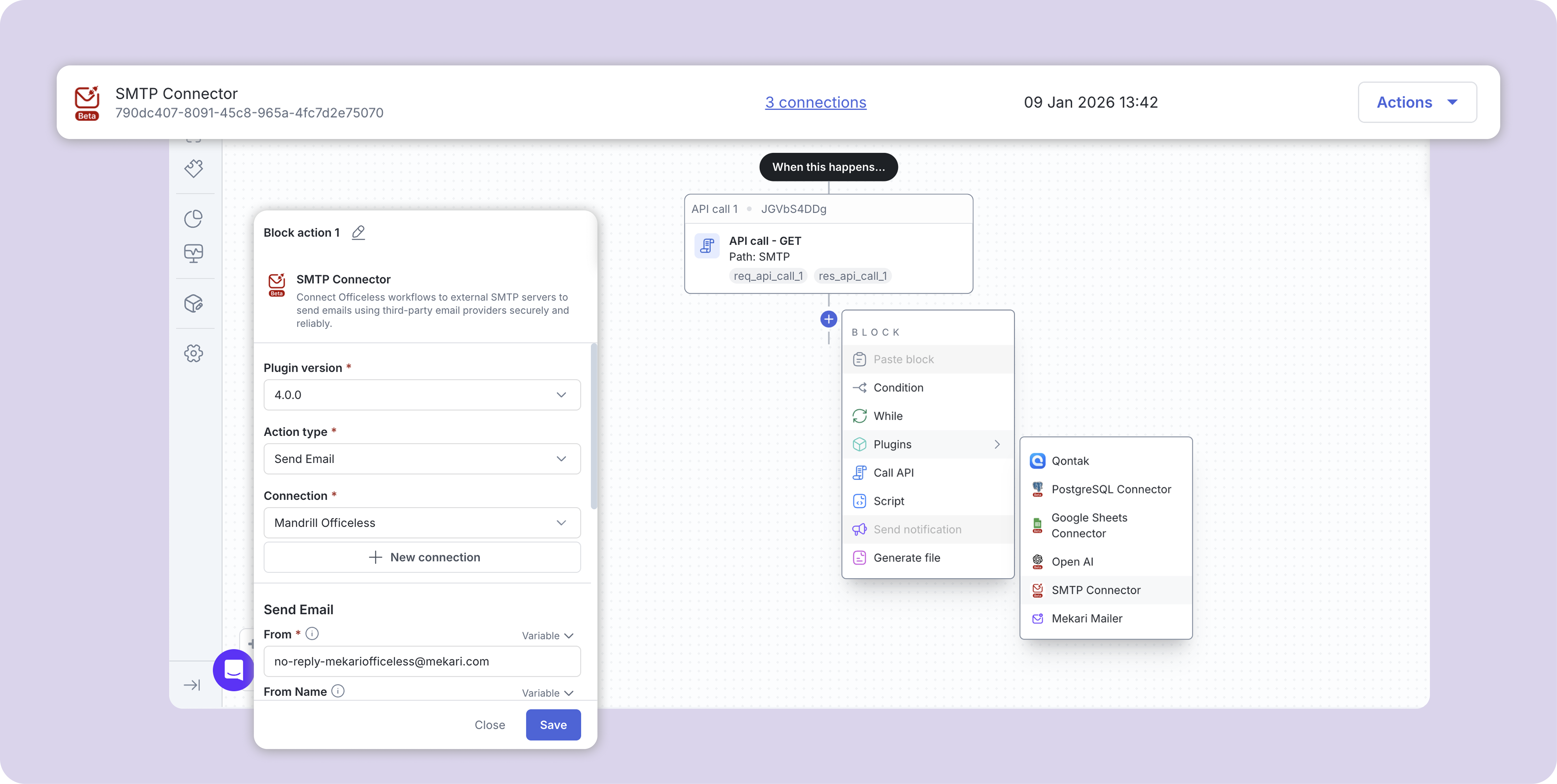
SMTP Connector

Connect Officeless workflows to external SMTP servers to send emails using third-party email providers securely and reliably.

Published by Mekari Developer Team 15 published templates
Overview

01. Overview

  • Plugin Name: SMTP Connector
  • Category: Communication / Email
  • Authentication: Managed by Mekari Platform

02. Key Features

  • Connect to external SMTP servers
  • Support for TLS and SSL encryption
  • SMTP authentication support
  • HTML-only email content for consistent rendering
  • Easy configuration via request headers
  • Compatible with most SMTP providers

03. Supported Use Cases

  • Transactional emails
  • Notification emails
  • Workflow-triggered emails
  • Integration with third-party email services

04. Important Notes

  • The body field must contain valid HTML. Plain text is not supported
  • Ensure the from email address is allowed by your SMTP provider
  • Use App Passwords when available for better security
  • Port 587 with TLS is recommended for most providers

05. Security Considerations

  • Store SMTP credentials securely
  • Avoid using personal email accounts for production workloads
  • Limit SMTP access to trusted workflows only

06. Compatibility

  • Gmail
  • Outlook / Office 365
  • Amazon SES
  • Mailgun
  • SendGrid (SMTP)
  • Custom SMTP servers

07. Troubleshooting

  • Authentication failed: Verify SMTP username and password
  • Connection timeout: Check host, port, and firewall settings
  • Email not delivered: Ensure sender domain is authorized by the SMTP provider

08. Summary

The SMTP Connector Plugin provides a simple and reliable way to send HTML emails using external SMTP servers within Officeless workflows, while maintaining full control over security and delivery.

Assets preview

WhatsApp Icon