
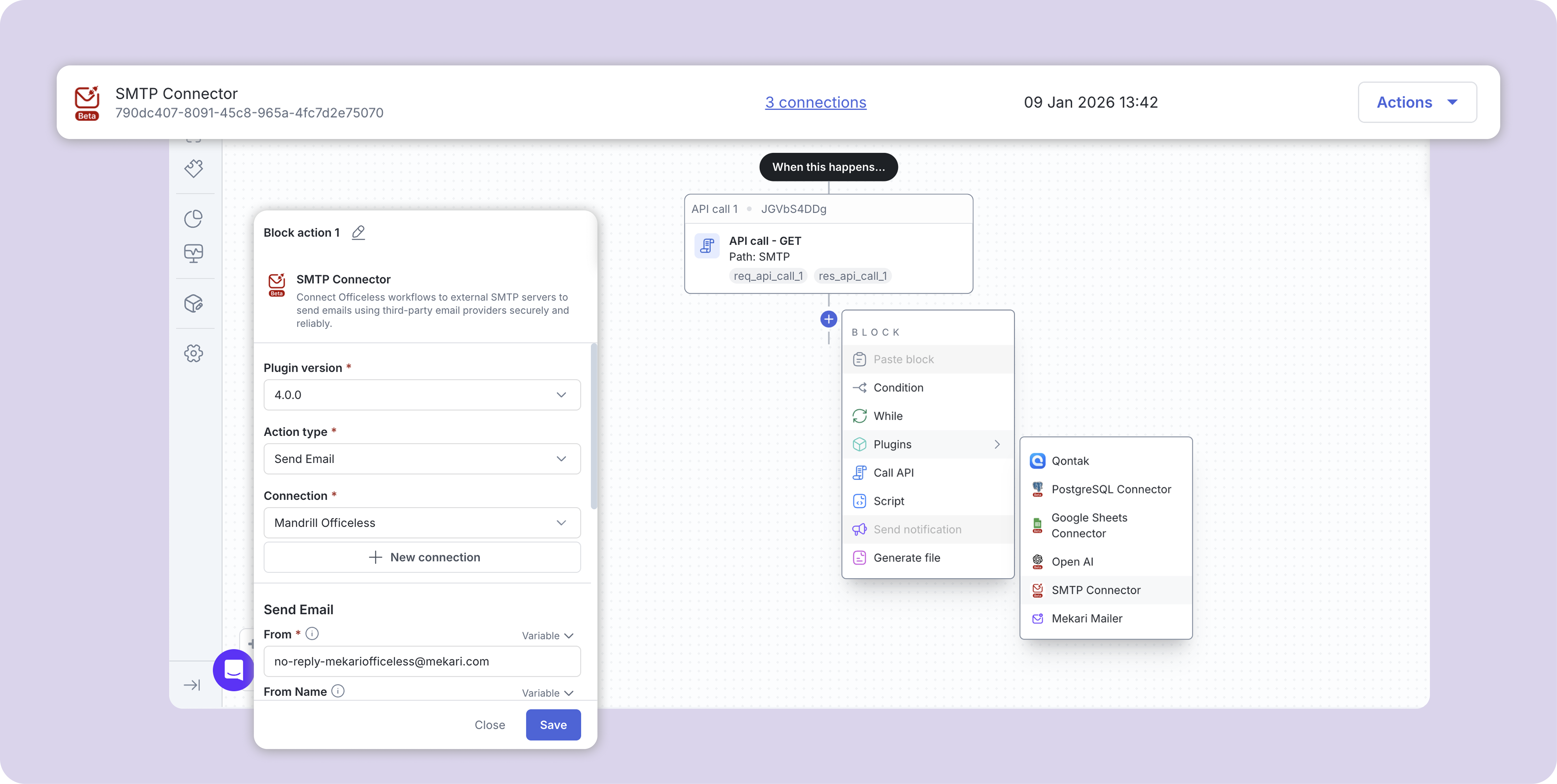
SMTP Connector

Connect Officeless workflows to external SMTP servers to send emails using third-party email providers securely and reliably.

Published by Mekari Developer Team 9 published templates

Overview

01. Overview

  • Plugin Name: SMTP Connector
  • Category: Communication / Email
  • Authentication: Managed by Mekari Platform

02. Key Features

  • Connect to external SMTP servers
  • Support for TLS and SSL encryption
  • SMTP authentication support
  • HTML-only email content for consistent rendering
  • Easy configuration via request headers
  • Compatible with most SMTP providers

03. Supported Use Cases

  • Transactional emails
  • Notification emails
  • Workflow-triggered emails
  • Integration with third-party email services

04. Important Notes

  • The body field must contain valid HTML. Plain text is not supported
  • Ensure the from email address is allowed by your SMTP provider
  • Use App Passwords when available for better security
  • Port 587 with TLS is recommended for most providers

05. Security Considerations

  • Store SMTP credentials securely
  • Avoid using personal email accounts for production workloads
  • Limit SMTP access to trusted workflows only

06. Compatibility

  • Gmail
  • Outlook / Office 365
  • Amazon SES
  • Mailgun
  • SendGrid (SMTP)
  • Custom SMTP servers

07. Troubleshooting

  • Authentication failed: Verify SMTP username and password
  • Connection timeout: Check host, port, and firewall settings
  • Email not delivered: Ensure sender domain is authorized by the SMTP provider

08. Summary

The SMTP Connector Plugin provides a simple and reliable way to send HTML emails using external SMTP servers within Officeless workflows, while maintaining full control over security and delivery.

Assets preview

Start your digital transformation with Mekari Officeless

Start building your own solutions with Mekari Officeless or you can discuss with our team for further assistance.

WhatsApp Icon WhatsApp sales