
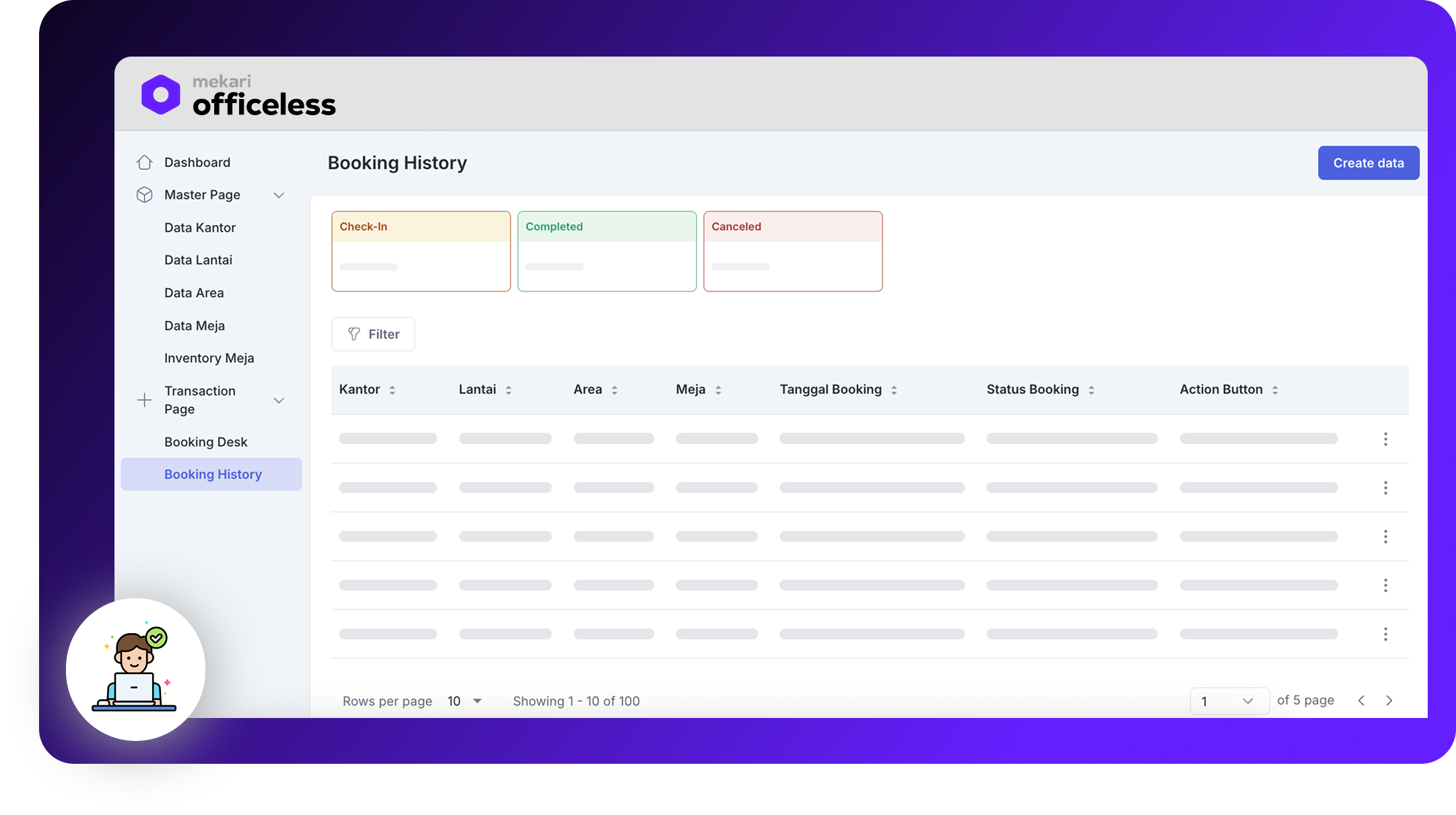
Desk Booking App

A real-time workspace reservation system that eliminates double-bookings and gives Facility/GA teams full visibility into office occupancy.

Published by Mekari Developer Team 21 published templates

Overview

Desk Booking App

The app helps hybrid and hot-desking organizations manage shared workspaces without the daily scramble for a seat. Employees search and reserve a desk in seconds — by office, floor, and area — with real-time validation ensuring no two people ever claim the same desk. Facility/GA teams manage the full desk inventory, take damaged desks offline without losing history, and get live visibility into occupancy across the organization. By automating availability updates and closing out bookings on check-in, the app keeps the calendar accurate, cuts down on unused "ghost" reservations, and gives businesses a clearer, more efficient way to run flexible office space.

Key Features

  • Conflict-Free Booking Guarantee: Real-time validation blocks any attempt to book a desk that's already reserved for the selected date, so the app only ever displays desks that are truly available.
  • Guided Location Search: Employees select their workspace step-by-step, making it easy to plan exactly which zone to head to.
  • Static Visual Floor Maps: Each area includes a reference floor plan image, helping employees orient themselves and find their booked desk once on-site.
  • Personal Booking History: Employees can view their upcoming and past reservations and cancel an active booking at any time, instantly returning the desk to the available pool.
  • Facility/GA Master Data Management: Admins maintain the complete desk inventory and can deactivate a desk needing repair without deleting its booking history.
  • Automatic 7-Day Availability Refresh: A nightly scheduled process automatically generates the next 7 days of desk availability, keeping the booking calendar current without manual admin work.
  • Check-In Confirmation: Employees confirm arrival with a check-in action, closing out the booking and helping eliminate "ghost bookings" so Facility/GA gets an accurate picture of real usage.
  • Role-Based Access: Employees can only create and manage their own bookings, while Facility/GA administrators have full oversight of master data and office-wide occupancy.

Usage Scenarios

  • Employees can browse and book an available desk for a specific date by selecting office, floor, and area — no need to coordinate with colleagues or GA staff first.
  • The system automatically blocks a desk from being booked twice for the same date, removing the risk of two employees showing up for the same seat.
  • Employees can review upcoming reservations and cancel a booking they no longer need, instantly freeing that desk for teammates.
  • Facility/GA teams can register new offices, floors, and areas, and pull a broken desk out of circulation for repairs without losing its usage history.
  • Facility/GA admins get a live view of desk occupancy across every floor, supporting better space-planning and utilization decisions.

Assets preview

Start your digital transformation with Mekari Officeless

Start building your own solutions with Mekari Officeless or you can discuss with our team for further assistance.

WhatsApp Icon WhatsApp sales